Menu boards in two languages
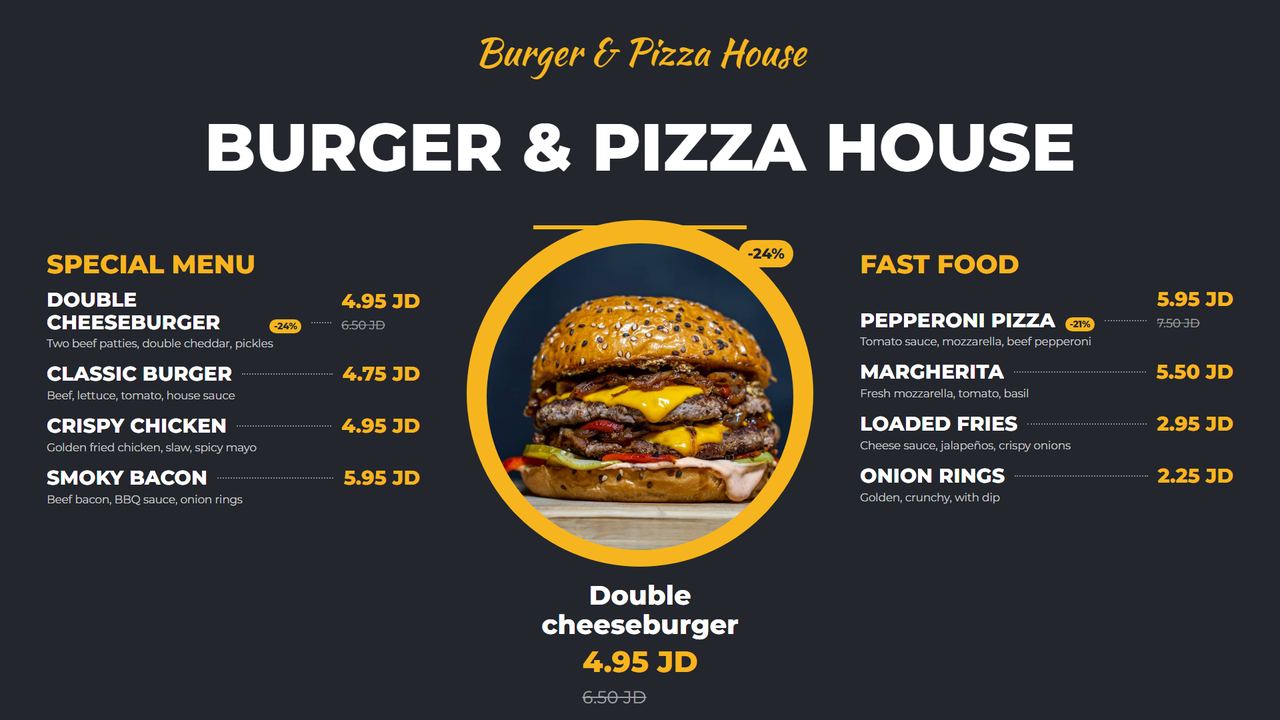
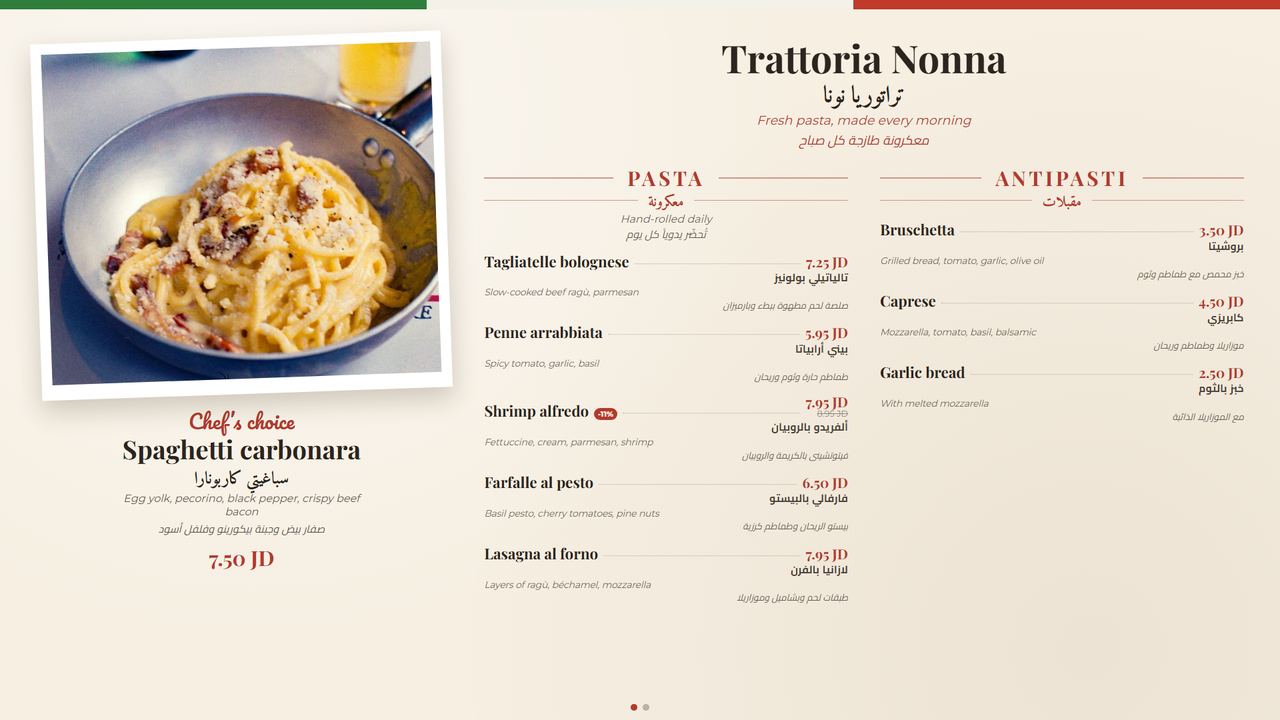
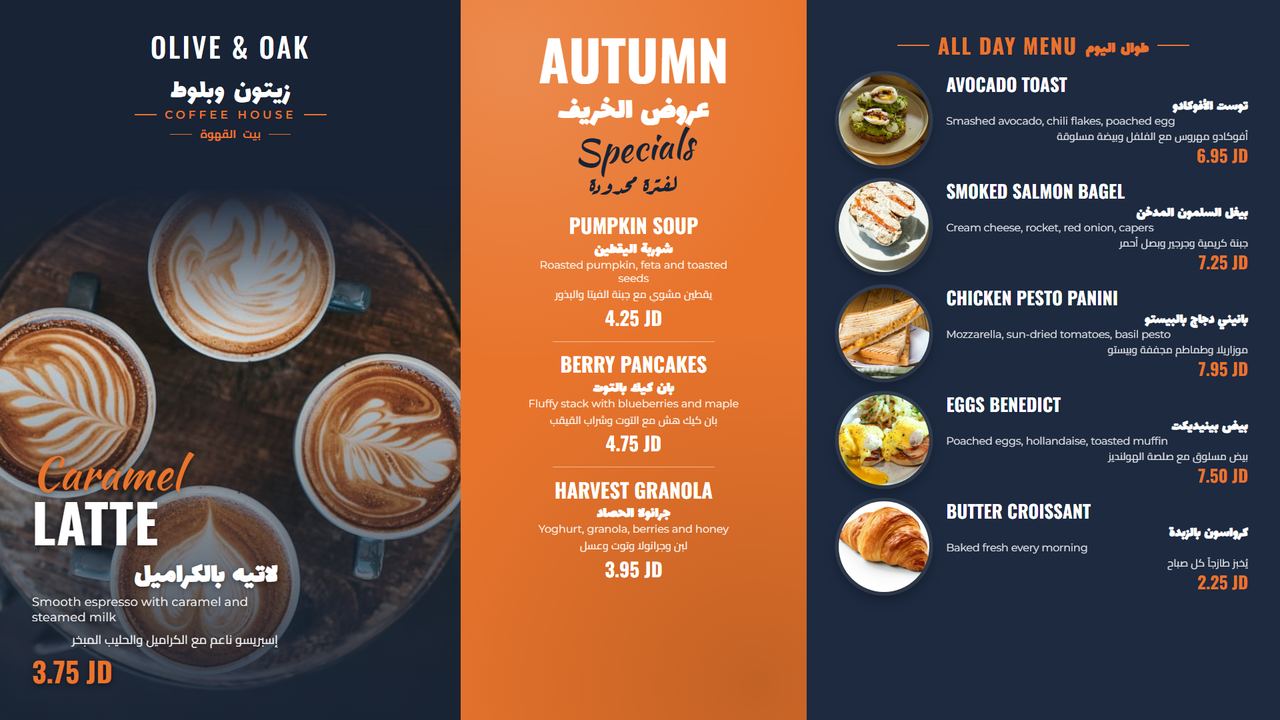
Items with photos, prices, discounts, sizes and ingredients, in English and Arabic. Change a price once and every screen updates.
Digital signage for restaurants, cafés and shops
Design beautiful menu boards in English and Arabic, schedule what plays where and when, and keep every screen running even when the internet drops.
No card needed. Works on Android TV, Android boxes and Windows.
 On air
One dashboard for every screen, in every branch.
Items with photos, prices, discounts, sizes and ingredients, in English and Arabic. Change a price once and every screen updates.
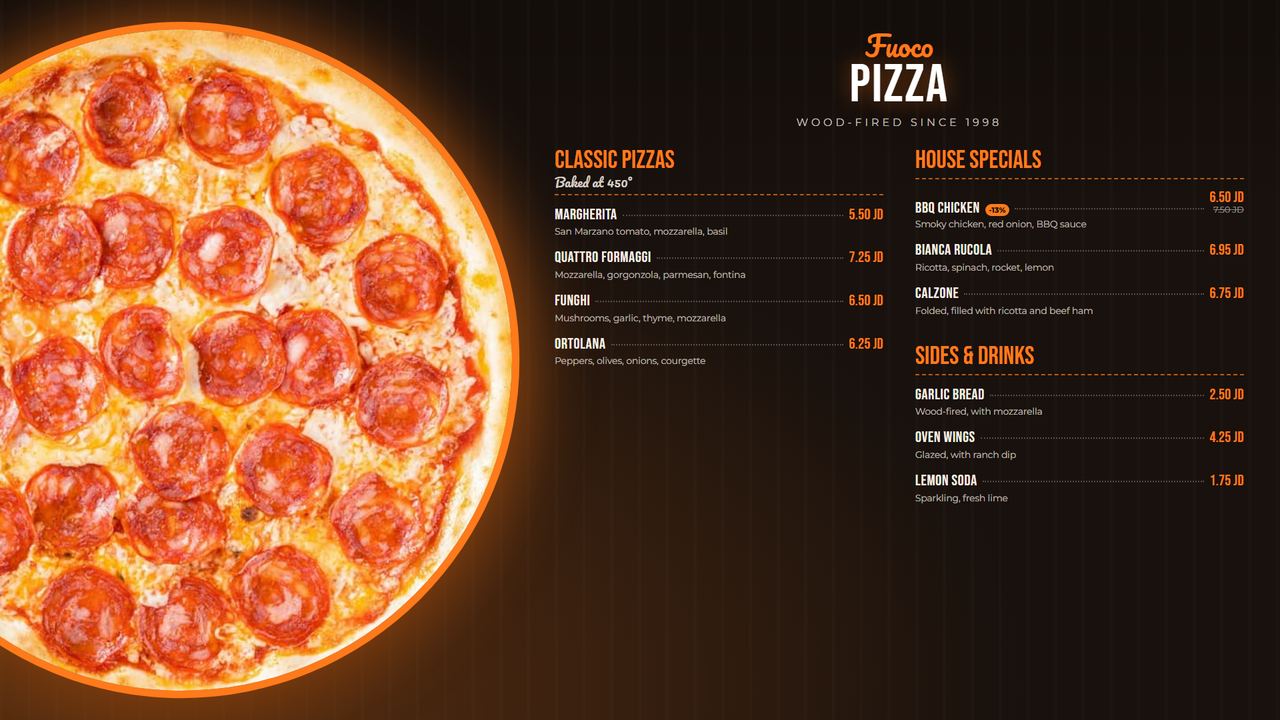
14 designs for burgers, pizza, pasta and cafés, each in four styles, plus a drag-and-drop editor to create your own.
Breakfast menu from 7 to 11, lunch offers on weekdays, a campaign for one month. See the whole week at a glance.
Every screen keeps a copy of its content and schedule. If the internet drops, it carries on, and catches up when it is back.
See every screen where it hangs in your branch, what it is showing and whether it is online. Change content in one click.
Mix videos, pictures, slideshows and menu boards in one playlist, each with its own timing.
Organise screens by location and group, give your team their own accounts, and run every branch from one dashboard.
Live status for every screen, remote screenshots, and a record of everything that played.
Pick a design, add your items, choose your colours. Real photos included to get you started.
Sign up, add your branch and your menu items.
Install the ScreensOnAir app on your Android TV or box and enter the code it shows.
Pick a menu board or playlist, set the times, and it is on air.
Start with a free trial. Upgrade when you are ready.
Pay by bank transfer or CliQ; we activate your plan as soon as payment arrives.
Install it on an Android TV, an Android TV box or stick, or an Android tablet. It opens full screen, starts by itself after a power cut, and shows a code to pair with your account.
On the TV, allow installing apps from unknown sources when asked. Requires Android 7 or newer.

No. Each screen downloads its content and keeps playing it offline, following its schedule. It only needs the internet to receive changes.
Any Android TV, or a normal TV with an inexpensive Android TV box or stick plugged into HDMI. A Windows mini PC works too.
Yes. Every item, section and board can be in English, Arabic or both, with proper right-to-left layout.
Start with the free trial. When you choose a paid plan, pay by bank transfer or CliQ and we activate it straight away.
Yes. There is no contract; your plan simply stops at the end of the period you paid for.